

UX Audit Checklist: 15 Fixes for a Higher-Converting Website
November 18, 2026 · By Lumaaro
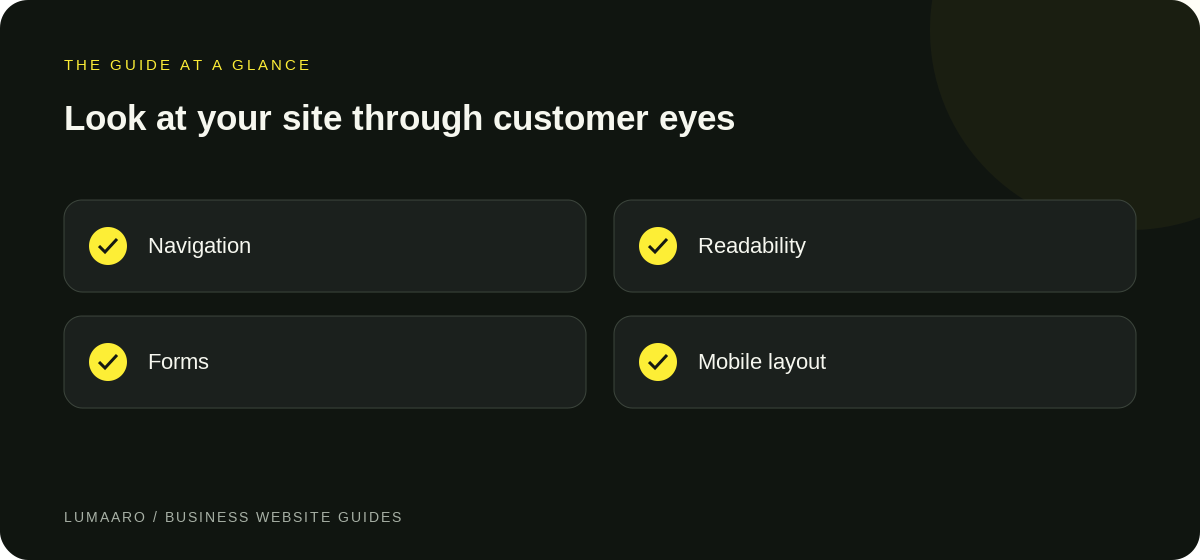
A UX audit reviews your website from a visitor's point of view to find what blocks enquiries or sales. Check that the page purpose is clear in five seconds, navigation is simple, mobile layouts work, pages load quickly, forms are short, trust signals are visible and the site is accessible. Fix the biggest friction first.
What is a UX audit?
A UX audit is a structured review of how easily visitors can understand your website and complete the actions you want. It combines analytics, observation of real use and a checklist of known usability principles. The output is a prioritised list of fixes, not a redesign by default.
It works well before a redesign, after a drop in conversions and whenever you launch a new campaign page. Our UI/UX design service includes audits and design improvements.
How do you prepare for the audit?
Define the goal first: enquiries, bookings, purchases or sign-ups. Then collect the evidence you need.
- List the three to five key journeys, such as home page to enquiry or product to checkout.
- Pull analytics for entry pages, drop-off points, devices and conversion rates.
- Review any heatmaps, session recordings or customer feedback.
- Test the journeys yourself on a phone and a laptop, then ask someone unfamiliar with the site to try.
What is on the 15-point UX audit checklist?
Clarity and messaging
- The main heading says what you offer and who it is for.
- A clear primary call to action appears above the fold and repeats down the page.
- Content answers real customer questions, in plain language.
Navigation and structure
- Menu labels are simple and the top-level items are few.
- Visitors can reach key service pages in one or two clicks.
- Search or a clear path exists for finding information on large sites.
Mobile and speed
- Layouts are designed for small screens, with tap targets large enough.
- Pages meet Core Web Vitals targets; see our speed guide.
- Pop-ups and banners do not cover content.
Forms and conversion
- Forms ask only for what you need, with clear labels and helpful errors.
- Confirmation messages tell visitors what happens next.
- Contact details and booking options are easy to find.
Trust and accessibility
- Testimonials, case studies, credentials and contact information appear where decisions are made.
- Text has sufficient contrast, images have alt text and everything works with a keyboard.
- Policies, pricing guidance and delivery terms are easy to find.
How do you prioritise fixes?
Score each problem by impact on the goal and effort to fix. Start with high-impact, low-effort items such as a clearer heading, a shorter form or a faster hero image, then plan the structural changes.
| Priority | Impact | Effort | Example |
|---|---|---|---|
| Do first | High | Low | Clearer call-to-action text |
| Plan next | High | High | Rebuilding page templates |
| Quick tidy | Low | Low | Fixing small spacing issues |
| Revisit later | Low | High | Cosmetic effects with no user benefit |
How do you know the changes worked?
Set a baseline and measure after each change. Compare conversion rate, form completion, bounce on key pages and task success against the starting point, and change one major element at a time so you can see the effect. When traffic is high enough, run A/B tests; otherwise use before-and-after comparison and user feedback.
Frequently asked questions
How often should I run a UX audit?
Review key journeys at least once or twice a year, and after any major change in traffic, product or design.
Can I do a UX audit myself?
Yes. A checklist and fresh eyes find many issues, and watching a few people use the site is very revealing. An external specialist adds objectivity and pattern recognition.
What is the difference between UX and UI?
UX is how the whole experience works and feels; UI is the visual interface, such as layout, type, colour and components. Both affect conversions.
Will improving UX help SEO?
Better usability, speed and clear content help visitors and reduce abandonment, which supports search performance. Rankings still depend on many factors.
Get a second pair of eyes
Ask Lumaaro for a UX review and we will point out the fixes that will matter most.