

Website Redesign SEO Checklist: How to Redesign Without Losing Traffic
November 18, 2026 · By Lumaaro
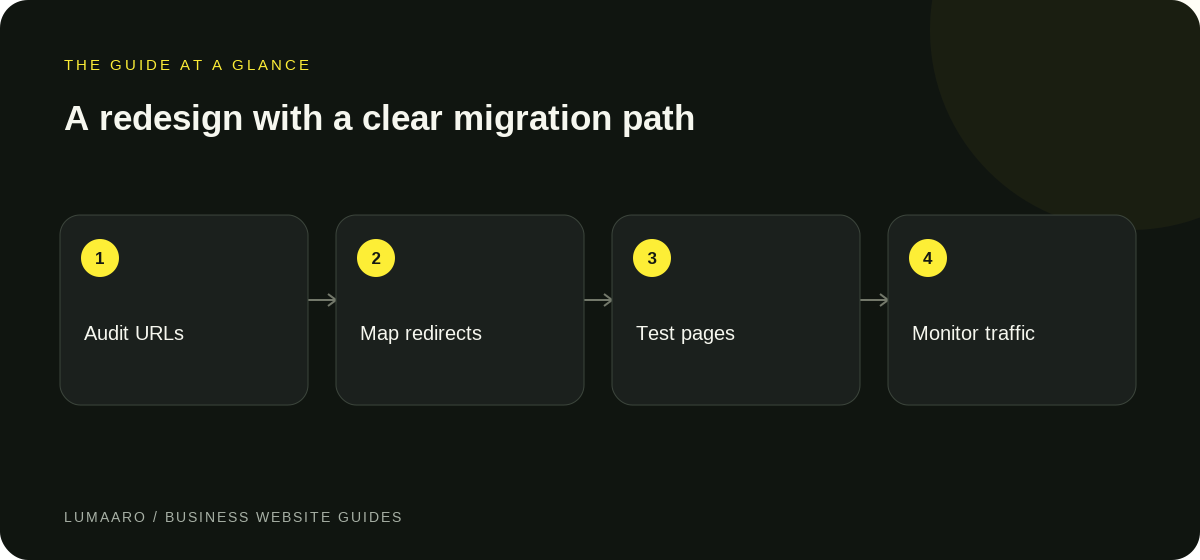
To redesign a website without losing traffic, record what ranks and converts today, keep or improve the pages that perform, map every changed URL to its closest replacement with a permanent redirect, test everything on a staging site, and monitor indexing and traffic closely after launch. Most traffic drops come from broken URLs and removed content.
Why do website redesigns hurt SEO?
Redesigns hurt when they change things search engines and visitors rely on without a plan. Typical causes are changed URLs with no redirects, deleted pages that were bringing traffic, lost headings and copy, blocked crawling left over from staging, and slower templates.
A redesign can also improve rankings, because faster pages, clearer structure and better content help both visitors and search engines. The difference is preparation.
What should you do before the redesign starts?
Capture a baseline so you can prove what changed. Without it, a traffic dip after launch is impossible to diagnose.
- Crawl the current site and export every URL with its title, headings, status code and internal links.
- Export search performance from Google Search Console and analytics, by page and by query.
- Identify your top pages by organic traffic, conversions and backlinks.
- Record current Core Web Vitals and key rankings.
- List content that is outdated, duplicated or no longer needed.
How do you plan the new structure?
Design the structure around what customers search for and need to do, and keep useful URLs wherever practical. Each important service should keep a dedicated page with a clear purpose.
- Keep URLs that rank and make sense. Changing a URL needs a good reason.
- Merge thin or overlapping pages into one stronger page and redirect the old ones.
- Preserve headings, answers and useful copy that already perform well.
- Keep internal links logical, so key pages are a few clicks from the home page.
- Plan titles, descriptions and one clear H1 per page before design is final.
How do redirects work in a redesign?
Create a redirect map that sends each old URL to the closest relevant new URL using a permanent (301) redirect. Do not send everything to the home page, and avoid redirect chains.
| Old URL situation | What to do |
|---|---|
| URL stays the same | No redirect needed; check content parity |
| URL changes | Permanent redirect to the new equivalent page |
| Pages merged | Redirect each old page to the merged page |
| Page removed with no replacement | Return a proper 404 or 410, or redirect to the closest topic page |
What should you test on staging?
Test on a staging site that search engines cannot index, then run through this checklist before launch.
- Every key template renders correctly on phones, tablets and desktops.
- Titles, descriptions, canonical tags and structured data are present and accurate.
- Redirects work, with no loops or chains.
- Forms, checkout and tracking fire correctly.
- Images have alt text and correct dimensions; pages meet Core Web Vitals targets.
- The XML sitemap lists the new URLs and robots.txt does not block them.
- The staging site's "discourage search engines" setting is removed at launch.
What should you do at launch and after?
Launch at a quiet time, then verify immediately and keep watching.
- Submit the new sitemap in Google Search Console and request indexing for key pages.
- Crawl the live site to confirm status codes, redirects and canonicals.
- Compare traffic, impressions, rankings and conversions with your baseline daily for the first two weeks, then weekly.
- Fix new 404 errors and update external links you control.
- Keep improving the pages that dip rather than waiting.
Ranking changes can take weeks to settle. Our web development service includes redirect mapping, staging tests and launch monitoring as standard steps.
Frequently asked questions
How long does it take to recover traffic after a redesign?
Small fluctuations settle within a few weeks when redirects and content are handled well. Larger structural changes can take longer. Compare against your baseline rather than judging single days.
Should I change my domain during a redesign?
Avoid it unless there is a strong business reason. A domain change adds risk and requires a full migration plan in addition to the redesign.
Can a redesign improve rankings?
Yes. Faster templates, clearer structure, better content and cleaner technical SEO often improve results, but no agency can guarantee a ranking.
Do I need to redo my content?
Not all of it. Keep content that performs, update what is outdated, and fill gaps customers ask about. Our UI/UX design service plans layouts around the content that works.
Planning a redesign?
Contact Lumaaro for a redesign plan that protects your search visibility and improves your conversion rate.