

Website Security Checklist for Small Business Owners
November 18, 2026 · By Lumaaro
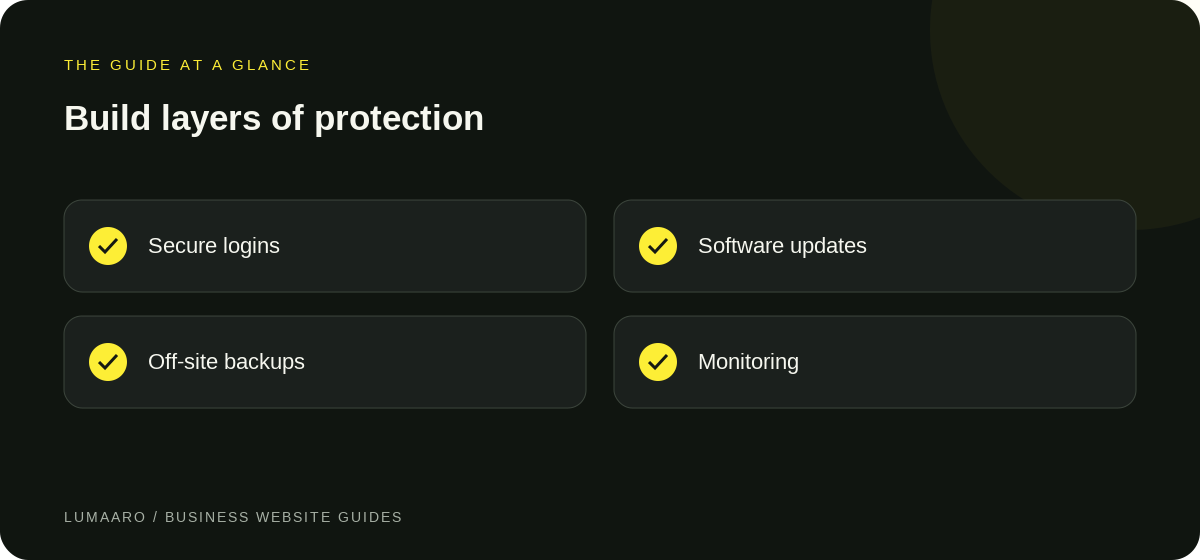
To secure a small business website, keep software updated, use strong unique passwords with two-factor authentication, limit admin accounts, run automated off-site backups, enforce HTTPS, scan for malware and monitor uptime. Most attacks exploit outdated software and weak logins, so routine maintenance prevents the majority of problems.
Why do small business websites get hacked?
Attackers use automated tools that scan for known weaknesses, so size does not protect you. Outdated plugins, reused passwords and unused accounts are the common doors. A compromised site can lose customer data, show spam, get flagged by search engines or go offline.
Security is a routine, not a one-time setup. That is why updates and monitoring are core parts of any website maintenance plan.
What is the website security checklist?
Work through these steps and record who is responsible for each.
- Update everything: apply security updates to the platform, themes, plugins and apps promptly, after testing.
- Remove what you do not use: delete unused plugins, themes and old user accounts.
- Use strong, unique passwords: store them in a password manager and never reuse them.
- Turn on two-factor authentication for admin, hosting, domain and email accounts.
- Limit admin access: give each person the lowest role that lets them do their job.
- Enforce HTTPS: install a valid SSL certificate and redirect all pages to the secure version.
- Back up automatically: keep daily or more frequent backups stored off-site and test restores.
- Scan for malware: run regular scans and set alerts for file changes.
- Protect login pages: limit login attempts and consider a web application firewall.
- Choose secure hosting: use a provider with isolation, current server software and support.
- Monitor uptime: get alerts when the site is down or slow.
- Keep an incident plan: know whom to call and how to restore.
How do backups protect you?
Backups are your recovery plan. A good backup is automatic, stored away from the website server, kept for multiple days and tested. A backup you have never restored is only a hope.
| Backup question | Good answer |
|---|---|
| How often? | Daily for most sites; more often for busy stores |
| Where stored? | Off the web server, in separate storage |
| How long kept? | At least 14 to 30 days of versions |
| Tested? | Restore tested on a regular schedule |
How do you secure an online store?
Stores handle payments and customer data, so add more care. Use a trusted payment provider so card details never touch your server, keep checkout pages on HTTPS, restrict who can see orders, and update store extensions quickly. Review privacy and data retention rules for your market.
What should you do if your website is hacked?
Act quickly and in order.
- Put the site in maintenance mode or take it offline if customers are at risk.
- Contact your host and your web team.
- Restore from a clean backup taken before the problem began.
- Change all passwords and revoke unknown users and keys.
- Update every component and remove the vulnerable one.
- Scan again and request a review if search engines flagged the site.
- Find the cause so it cannot happen again.
Frequently asked questions
Is WordPress secure?
WordPress core is actively maintained and secure when kept updated. Most incidents come from outdated or poorly built plugins and themes, weak passwords and missing care, so a limited plugin list and regular updates are essential.
Do I need an SSL certificate?
Yes. HTTPS encrypts traffic, builds visitor trust and is expected by browsers and search engines. Most hosts provide certificates at no extra cost.
How often should I update my website?
Review updates weekly and apply security patches as soon as they are tested. Monthly care plans commonly handle routine updates and emergency patches.
Can Lumaaro monitor my website security?
Yes. Our care plans include updates, backups, security checks and monitoring.
Protect your website
Contact Lumaaro to put updates, backups and monitoring in the hands of a team that does it every month.